Startup Disk Almost Full on Mac? How to Fix It Fast (2026)
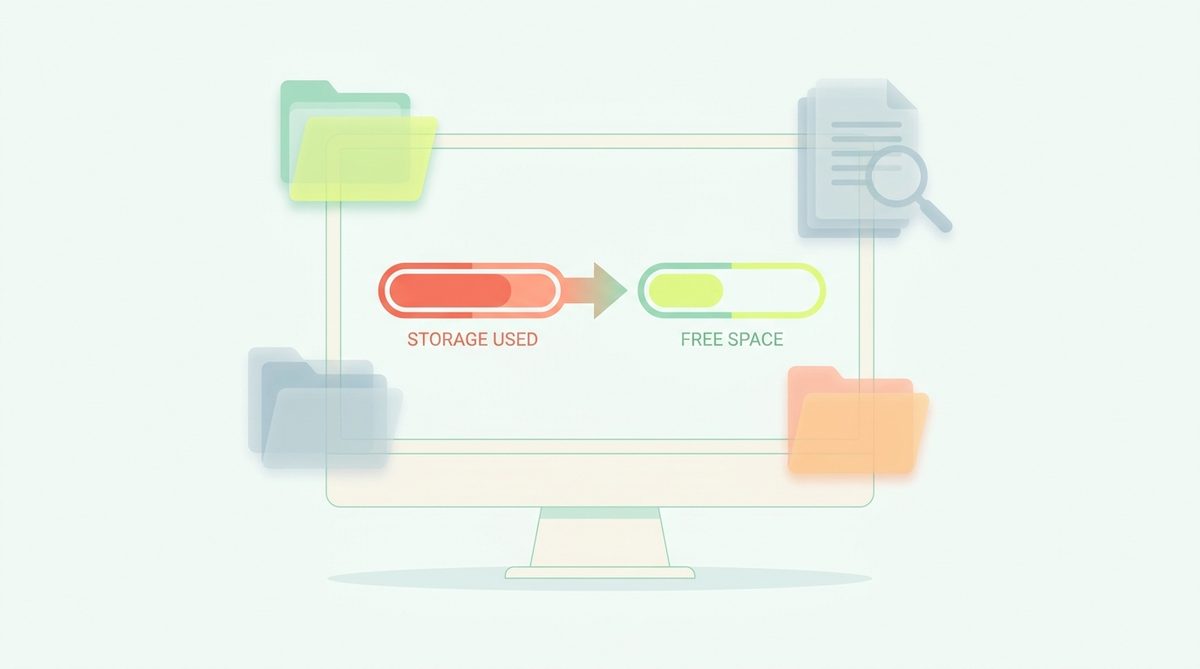
The “Your startup disk is almost full” warning means your Mac's boot drive is nearly out of space, and macOS needs free room to run smoothly. Fix it fast by clearing the biggest safe wins first — app caches, the Trash, and (on a developer Mac) build artifacts and package caches — then reviewing large personal files. MacCleaner finds all of it in one read-only scan so you can reclaim the space in a couple of taps.
Why you're seeing this warning
macOS shows it when your boot disk drops below the free space it needs for swap, caches and updates. The frustrating part: most of what's filling the disk — caches, logs, snapshots, developer junk — never shows up in Finder, so it feels like the space vanished. See why your Mac is full when your files aren't.
The fastest safe fixes, in order
- Clear app caches — how to do it safely. Instant, rebuildable.
- Empty the Trash — deleting doesn't free space until you do.
- Clear developer artifacts — Xcode, node_modules, Docker. Often 20–100 GB.
- Review large files — find the biggest space-users and offload what you can.
Do it in two taps
The tedious part is finding all of it and knowing what's safe. MacCleaner scans read-only, marks the rebuildable groups as safe, shows real byte counts, and lets you clear them to Trash (recoverable) or permanently — nothing personal is pre-selected. It's the fastest honest way out of the “disk almost full” warning.
Frequently asked questions
What does “your startup disk is almost full” mean?
Your Mac's boot drive is nearly out of free space, which macOS needs for swap, caches and updates. Clearing caches, the Trash and developer junk usually fixes it quickly.
How much free space should a Mac have?
Aim to keep at least 10–15% of the drive free so macOS has room for swap and updates. On a 256 GB Mac that's roughly 25–40 GB.
Will the warning come back?
It can, as caches and developer files rebuild. A quick monthly scan keeps it away; offloading photos and large files to iCloud or an external SSD helps most.
Reclaim the space in two taps
MacCleaner scans read-only, shows every file before anything is touched, marks the safe groups, and lets you choose Trash or permanent. Free for up to 500 MB of cleanup a day.
Download for Mac